
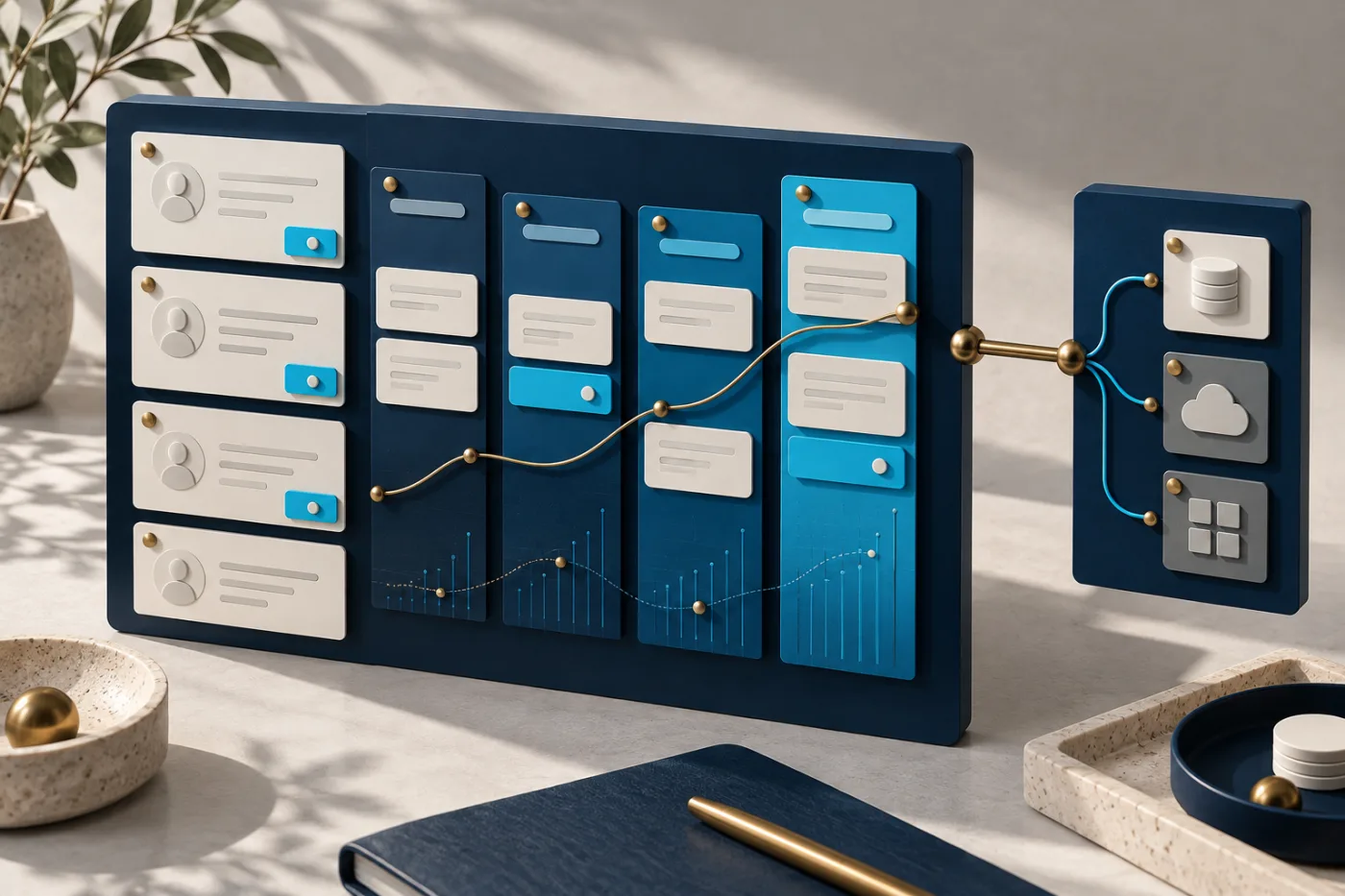
A growing business rarely needs “a CRM” in the abstract. It needs fewer missed enquiries, clearer ownership and a dependable view of customer work. Buying or building software before defining that work can leave the same problems inside a different interface.
There are usually three options: configure an existing CRM, connect it to other systems, or build a custom application. The useful choice depends on workflow fit, constraints and the team that will operate it.
Start with one customer journey
Map what happens from the first enquiry through qualification, proposal, delivery and follow-up. For each stage, identify who owns the next action, what information they need and where the current handover fails. Include exceptions such as duplicate enquiries, a reassigned salesperson and a customer returning with a new request.
Distinguish an unusual business requirement from a habit inherited from a spreadsheet. A workflow does not need to be custom simply because the current column names are different.
Compare the three options against real constraints
| Approach | Consider it when | Check before committing |
|---|---|---|
| Configure an existing CRM | Standard pipelines, roles and reports cover the essential process. | Plan limits, permissions, exports and the recurring cost of required features. |
| Integrate existing systems | The CRM fits, but information is trapped in forms, booking tools or accounts software. | API access, rate limits, field ownership and failure recovery. |
| Build a custom CRM | Important workflows or access boundaries cannot fit existing tools without serious compromise. | Delivery scope, maintenance ownership, hosting, migration and long-term support. |
A hybrid can work well: keep the existing customer record and build a focused operations portal around it. That avoids recreating every commodity feature, provided the integration has a clear source of truth.
Integration still needs application design
Connecting two APIs is only the beginning. Decide which system owns each field and whether updates flow one way or both ways. Define how contacts are matched, how duplicates are resolved, and what happens if one platform accepts an update while another is unavailable.
For an illustrative travel-agency workflow, a website enquiry might create a CRM opportunity while the booking system remains responsible for reservations. The CRM can show a booking reference and status without becoming a second, conflicting booking database.
- Identity: use stable record identifiers and deliberate matching rules.
- Reliability: make retries safe and provide a queue or review path for failed records.
- Visibility: show when information was last synchronized and where it came from.
- Access: restrict integrations to the data and actions each workflow needs.
Custom development needs a focused first release
A first release should solve a complete, narrow workflow. Lead intake, assignment, next action and a useful activity history may be more valuable than a large dashboard with unreliable underlying data. Set acceptance criteria using realistic scenarios and representative roles.
Avoid treating “CRM, ERP and analytics” as one undivided feature. Finance, inventory and customer operations have different controls and ownership. If they need to connect, define the boundary before adding modules.
Consider how staff will use the system during a busy day: keyboard-friendly forms, clear status changes, mobile layouts where needed, and an obvious way to recover from an error. Adoption depends on this daily experience as much as the technology stack.
Compare total ownership cost
For a purchased platform, include subscription tiers, required add-ons, implementation, integrations and the cost of switching. For a custom application, include development, infrastructure, backups, monitoring, maintenance, security updates and time spent on internal product decisions.
Neither approach is automatically cheaper. Ask for assumptions and exclusions alongside any estimate. A low build quote with no migration or maintenance plan is not comparable to a managed subscription that includes those services.
Prepare the data migration and reporting rules
Audit existing records before moving them. Decide which fields are required, which records are duplicates, what history must be retained and who may export customer information. Rehearse migration on a safe copy and agree how changes made during the transition will be reconciled.
Define dashboard metrics in plain language. A qualified lead, a booked sale and collected revenue are different events. A useful management report makes those definitions visible and allows the underlying records to be checked.
Questions to answer before requesting a proposal
- Which recurring customer workflow causes the most avoidable work?
- Which existing platform features already cover it?
- Which system owns each important record?
- What permissions, integrations and migration constraints apply?
- Who owns the application after launch, and what is the first release expected to achieve?
Delphro can assess custom business applications and CRM development. If the immediate issue is disconnected enquiries, start with our lead automation guide.
Further reading
Microsoft’s guidance on integrating business solutions discusses integration planning. This article’s build-versus-integrate framework is Delphro’s assessment guidance, rather than an endorsement of one CRM vendor.